Ryoko Review: My Honest Take on This Pocket WiFi Device
What Is Ryoko and Who Is It For?
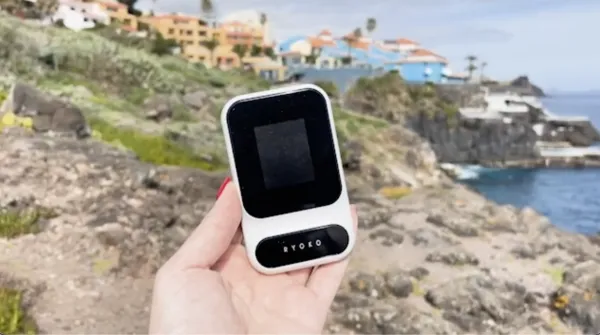
Let me clear up the confusion first, because the ads are honestly a bit dramatic. The Ryoko is a pocket-sized mobile hotspot, sometimes sold as the Ryoko Pro, that connects to local cell towers and then broadcasts a private WiFi signal you can share with your phone, laptop, or tablet. It is not some secret technology that "internet giants don't want you to know about." It's the same category of device as a travel router or a mobile MiFi unit, just packaged with an aggressive marketing campaign and a cheap data plan.
That framing matters, because I want you to buy it for the right reasons. This is a device for travelers, remote workers, students, RV and van-life folks, and anyone who wants a backup connection when their home internet drops. I've seen it searched internationally too, with people looking up ryoko wifi australia and others searching for ryoko tragbares wlan in German-speaking markets, which tells me the appeal is global.
What it is not: a full replacement for a wired home broadband line if you're a heavy 4K streamer or a serious gamer. After a few days I settled into thinking of it as a "connectivity insurance policy" that happens to be small enough to forget in a jacket pocket. Set your expectations there and you'll be happy.
How Ryoko Pro Actually Works
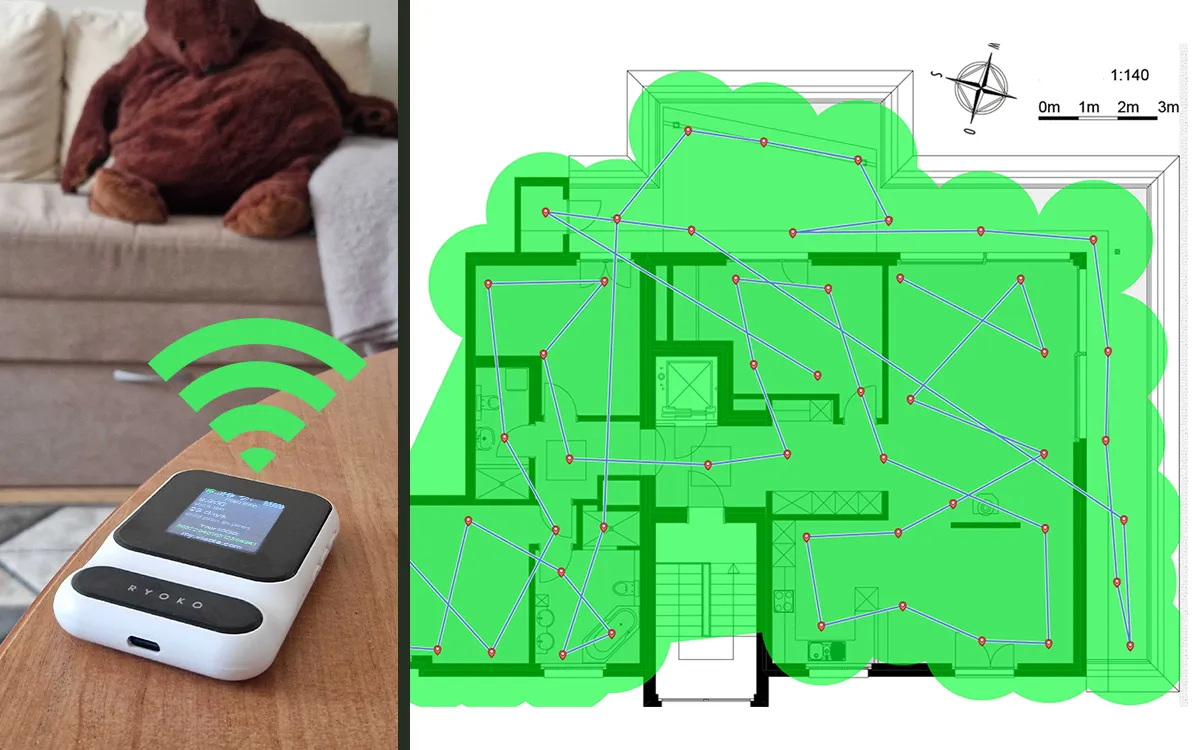
The setup is genuinely the strongest part of the experience. You turn the unit on, and a small screen shows a QR code along with the network name and password. You scan the code with your phone camera, confirm the connection, and you're online. You can also type the network details in manually if you prefer, which I did once on an older laptop without a camera.
Under the hood, the Ryoko Pro uses a cellular data connection (the marketing references coverage across hundreds of network operators in dozens of countries) and converts that into a local hotspot. The official material claims it supports up to 10 devices at once and runs around 8 hours on a single battery charge, with effectively unlimited runtime when plugged into USB power. In my use I rarely connected more than three or four devices, and the battery comfortably lasted most of a workday with light use.
The build is plastic but feels firm, not flimsy, and it's light enough that I genuinely forgot it was in my bag. There's no complicated app dance, no SIM card juggling for the basic experience, and that simplicity is exactly why I'd feel fine recommending it to a less tech-savvy parent or grandparent. One small note: the screen is tiny, so reading the network password in bright sunlight took me a couple of tries.
My Experience Testing the Ryoko WiFi
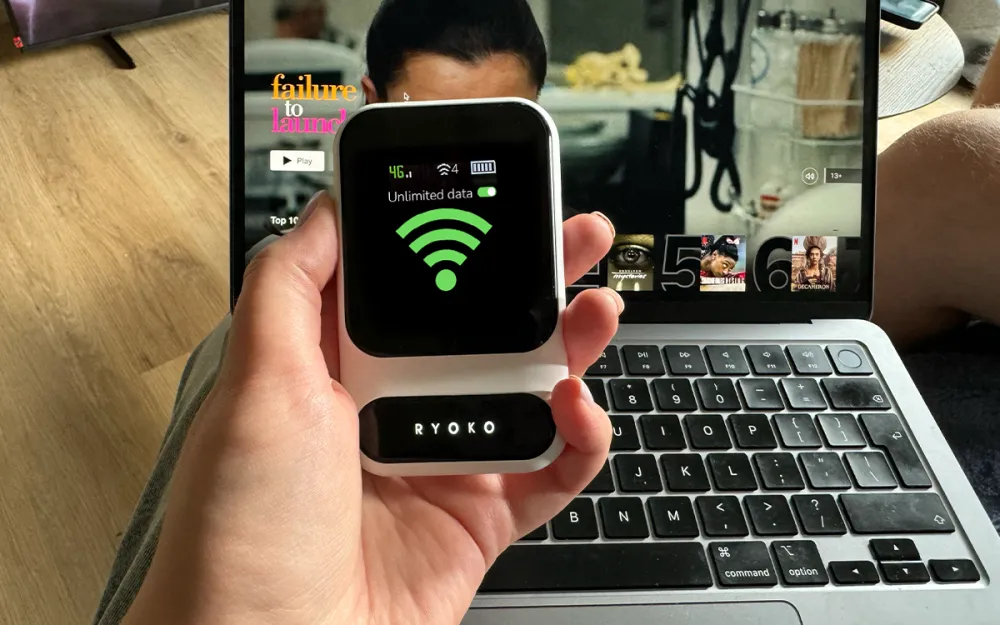
I carried the Ryoko around for a few weeks across a mix of situations: a home office, a couple of coffee shops, a long train ride, and a weekend away where the rental's WiFi was hopeless. The first thing I noticed is how painless it was to get online compared to hunting for public networks and agreeing to sketchy captive portals. I'd power it on, scan, and be working within maybe thirty seconds.
On the train is where it impressed me most. My phone's own signal was bouncing in and out, but the get ryoko wifi hotspot held a usable connection for email, messaging, and music streaming through most of the trip. It wasn't flawless, and in two tunnels everything dropped, but that's physics, not the device's fault. For video calls it was hit or miss while moving, and I'd reconnect to my phone's own data when I needed a guaranteed stable call.
I also want to be honest about the things that nagged me. The "unlimited" language in the ads deserves an asterisk in my mind, because most cellular plans have some form of fair-use policy or speed management when networks are congested. I didn't hit a hard wall during my testing, but I also wasn't downloading hundreds of gigabytes. After a few days I stopped treating it as my main pipe and started treating it as a flexible, grab-and-go connection, and that's when I started actually enjoying it.
Speed, Coverage and Real-World Performance
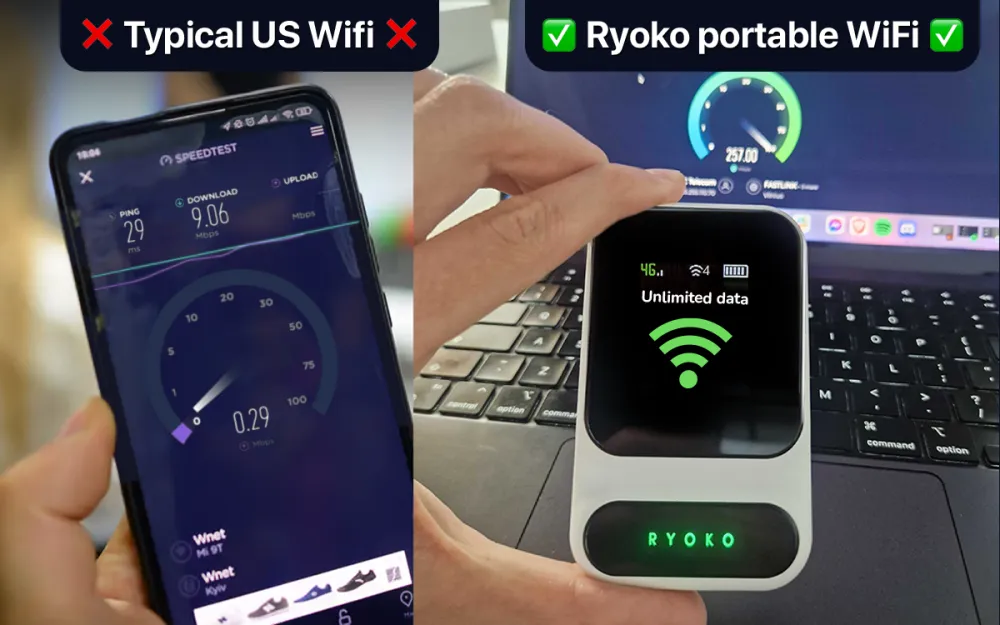
Speed is where you need realistic expectations. The official spec mentions speeds up to 150 Mbps, and I want to stress the "up to." That's a best-case ceiling under strong signal, and in everyday life I saw numbers well below that, which is completely normal for any cellular hotspot. For browsing, email, social media, music, and standard-definition to HD streaming, it was perfectly smooth. For multiple people streaming high-definition video at the same time, it strained.
Coverage tracks whatever cell network the device is using in your area, so your mileage will literally vary by location. In strong-signal city areas I had no complaints. In one rural spot the connection got sluggish, which again is expected because a hotspot can only be as good as the tower it's talking to. If you live somewhere with weak mobile signal, no pocket router will fix that, and I'd be cautious before buying.
One practical tip from my testing: placement matters. Setting the unit near a window instead of deep inside a building gave me a noticeably steadier signal. I also found that keeping the device count low kept things responsive. As a piece of ryoko wifi hardware it does its job, but it follows the same rules as every cellular device, so treat the marketing speed claims as a ceiling rather than a promise.
Ryoko Price, Plans and Where to Get Ryoko WiFi
Here's how the offer is structured, based on the official details. The device itself is sold at a heavily discounted one-time price during what the company calls a limited-time sale, and then the data plan is advertised at $14.99 per month for high-speed data across a wide range of countries, with no contract. I won't quote an exact device price here because promotional pricing changes often, and I'd rather you confirm the current number on the official checkout than trust a figure that may be outdated.
The monthly cost is genuinely the headline. People searching ryoko wlan kosten are usually trying to figure out the running expense, and the appeal is that a low flat monthly rate can undercut traditional roaming charges and some home plans, especially for travelers. Whether it saves you money depends entirely on your current bill and how you'd use it, so do the simple math against what you pay now before assuming the advertised savings apply to you.
Two warnings I feel responsible giving. First, the official site itself notes that copycats and scammers have tried to ride the product's popularity, so only buy through the verified official store to avoid counterfeits. Second, read the data-plan terms carefully before committing, since "unlimited" offers usually carry fair-use conditions. If you want to get Ryoko WiFi, go straight to the official listing, check the current promotion, and confirm the plan details for your country. Buyers comparing the muama ryoko branding and the newer Ryoko Pro should also make sure they know exactly which model and plan they're ordering.
Pros
- Extremely easy QR code setup, friendly for non-technical users
- Pocket-sized and light, with a firm build and a useful onboard screen
- Connects up to 10 devices and runs around 8 hours on battery, unlimited when plugged in
- Low flat monthly data cost compared with typical roaming fees
- Great as a travel companion or backup connection when home internet fails
Cons
- Real-world speeds are well below the "up to 150 Mbps" headline figure
- Performance depends entirely on local cell coverage, so weak-signal areas suffer
- "Unlimited" likely carries fair-use limits you should read first
- The advertising is overhyped and frames a common gadget as a secret breakthrough
- Tiny screen is hard to read in bright sunlight
Frequently Asked Questions
Is Ryoko legit or a scam?
The device is a real, functional pocket hotspot, so it's not a scam in the sense of being fake hardware. My honest caution is with the marketing tone, which oversells a fairly standard category of product. Buy it for what it actually is, a portable cellular hotspot, and only order through the official site, because the company itself warns about counterfeit copies.
How fast is the Ryoko WiFi in real life?
The spec lists speeds up to 150 Mbps, but that's a best-case ceiling. In my testing it was comfortably fast enough for browsing, email, music, and standard video streaming, while heavy simultaneous HD streaming pushed its limits. Your actual speed depends on the local cell signal.
How much does Ryoko cost per month?
The data plan is advertised at $14.99 per month with no contract, and the device is sold separately at a discounted one-time price during the current sale. Because promotional pricing changes, confirm the current device price and plan terms on the official checkout for your country.
Does Ryoko work in Australia and Europe?
It's marketed as working across dozens of countries and hundreds of network operators, and I've seen plenty of searches for ryoko wifi australia and ryoko tragbares wlan in Europe. Coverage still depends on local cellular networks, so check that your specific region is supported before ordering.
How many devices can the Ryoko Pro connect?
According to the official specs, the Ryoko Pro supports up to 10 devices at once. In practice I kept it to three or four to maintain responsive speeds, since dividing one connection among many devices reduces the performance each one gets.
Is Ryoko the same as Muama Ryoko?
The names are closely related, with muama ryoko being the branding many people recognize and the Ryoko Pro presented as the current model. Before buying, make sure you know exactly which model and which data plan you're ordering so the offer matches what you expect.