Best Extreme Portable SSD: 4 Rugged Drives Compared
As an Amazon Associate we earn from qualifying purchases.
If you shoot photos, edit video, or simply want a backup drive that can survive being tossed in a bag, the "Extreme" line is one of the most searched families of rugged portable SSDs. The problem is that four similar-sounding models sit side by side, and the naming does not make the differences obvious. This guide sorts them out by real specifications and by intended use, so you can match the right drive to your ports, your workflow, and your budget.
To build this roundup we compared the manufacturer's stated specifications against independent testing from outlets such as Tom's Hardware, StorageReview, Macworld, PCWorld, The SSD Review and Digital Camera World. We ranked each drive on rated speed, durability, capacity range, and how well its interface matches everyday computers. Prices change constantly, so we deliberately avoid quoting them here and point you to check the current price on Amazon instead.
Key facts at a glance
- The Extreme Portable SSD (V3) is rated by SanDisk up to 1050 MB/s read and is offered in capacities reaching up to 8TB, according to Macworld.
- The Extreme Portable SSD (V2) is a 10Gbps NVMe drive rated up to 1050/1000 MB/s, with hardware-accelerated full-disk encryption and a five-year warranty, per Tom's Hardware.
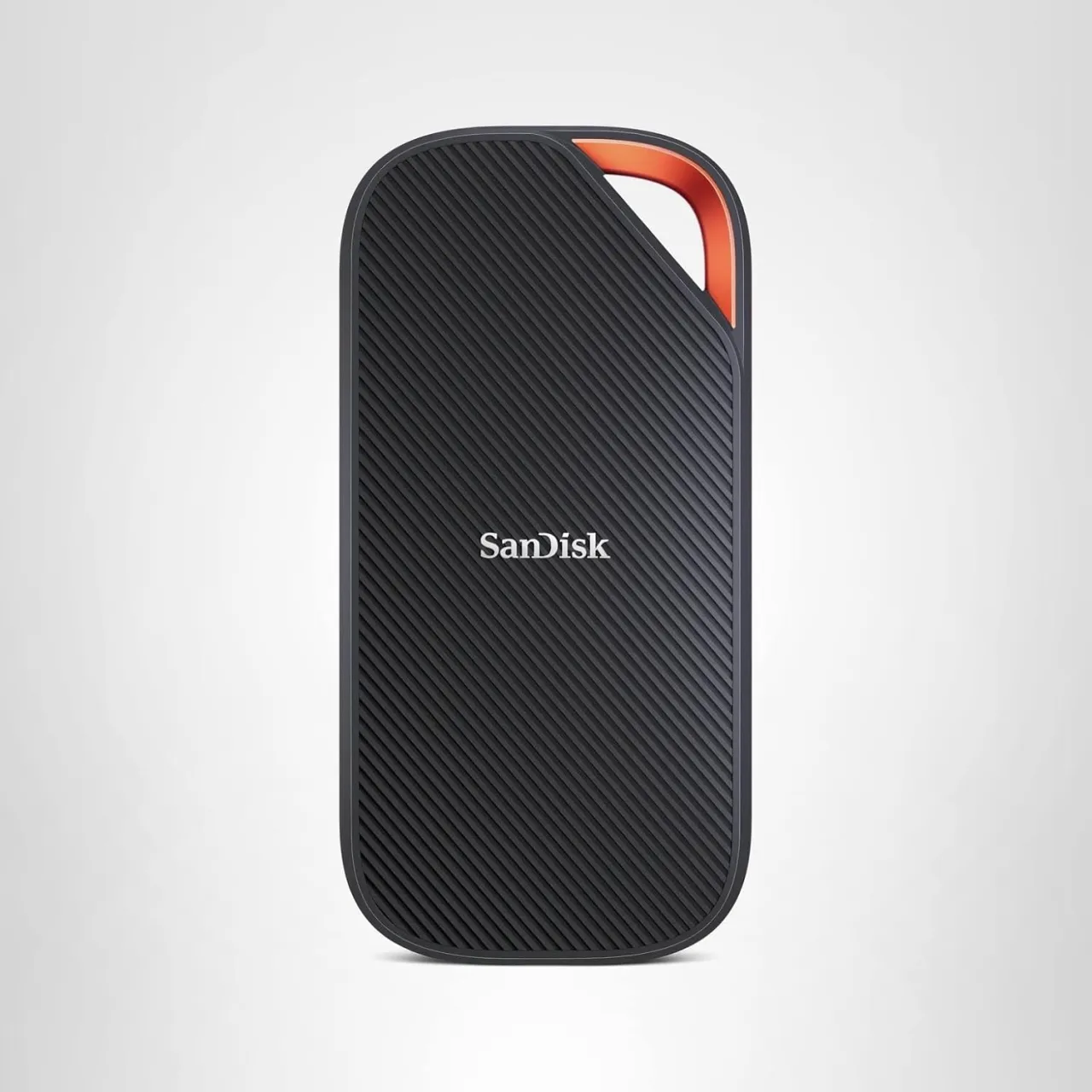
- The Extreme PRO Portable SSD uses a 20Gbps interface rated up to roughly 2000 MB/s and ships in an aluminum enclosure, per The SSD Review and Hexus.
- The Extreme PRO with USB4 is rated up to 3800/3700 MB/s and carries an IP65 rating, according to StorageReview and Dong Knows Tech.
- The USB4 model reaches full speed only on a USB4 or Thunderbolt bus, and reviewers such as PCWorld noted connection quirks and weaker results outside that.
- All four models are backed by a five-year limited warranty, per manufacturer and reviewer reports.
| # | Product | Best for | Rating | Price |
|---|---|---|---|---|
| 1 | Extreme Portable SSD (V3) | Best overall all-rounder | ★★★★★ | Check price |
| 2 | Extreme Portable SSD (V2) | Best value 10Gbps drive | ★★★★½ | Check price |
| 3 | Extreme PRO Portable SSD | Best mid-tier speed step-up | ★★★★½ | Check price |
| 4 | Extreme PRO SSD USB4 | Fastest for USB4/Thunderbolt users | ★★★★½ | Check price |
#1 Extreme Portable SSD (V3)
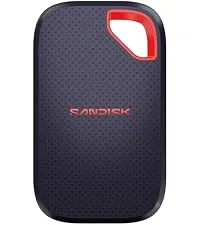
The V3 is the current mainstream drive in the Extreme family, and it earns the top spot because it balances speed, ruggedness, capacity and everyday compatibility better than any other model here. SanDisk positions it as a pocketable, rugged drive with a USB-C interface rated up to 1050 MB/s. Macworld describes it as a good all-rounder at a competitive price, noting a rugged design suited to outdoor use and a capacity range that now reaches up to 8TB, which the reviewer highlights as a strong fit for Time Machine backups.
In independent testing, Macworld measured figures in the ballpark of 946 MB/s write and 910 MB/s read on the Blackmagic Disk Speed Test, in line with a 10Gbps-class drive rather than a top-tier USB4 unit. That makes it a sensible pick for photographers, students, and anyone consolidating a media library or backup set without wanting to think about port compatibility.
Pros
- Rated up to 1050 MB/s over standard USB-C, broadly compatible
- Rugged, pocketable design intended for travel and outdoor use, per Macworld
- Capacity range reaching up to 8TB, well suited to large backups
- Five-year limited warranty
Cons
- Not for users chasing the highest possible transfer speeds; the PRO and USB4 tiers are rated far faster
- Not the choice if you own a USB4 or Thunderbolt machine and want to use that bandwidth
- Measured speeds in reviews sit somewhat below the rated figure, as Macworld's numbers show
#2 Extreme Portable SSD (V2)
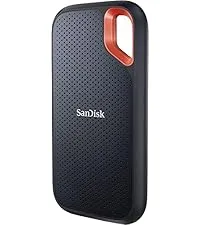
The V2 is the model that moved the Extreme line from older SATA internals to NVMe, and it remains a strong value pick in the 10Gbps class. StorageReview describes it as a rugged device carrying an IP55 rating and explains that the NVMe upgrade doubled the speed of the previous SATA generation, positioning it for design professionals working with large files. Tom's Hardware lists it in 500GB, 1TB, 2TB and 4TB capacities, rated up to 1050/1000 MB/s read/write.
Beyond raw throughput, Tom's Hardware highlights hardware-accelerated full-disk encryption and a five-year warranty, calling it one of the better 10Gbps NVMe portable SSDs of its time. Digital Camera World similarly praised the design and said its rated 1050/1000 MB/s speeds are more than capable for most day-to-day requirements. If your computer tops out at USB 3.2 Gen 2, the V2 covers the essentials without paying for bandwidth you cannot use.
Pros
- NVMe drive rated up to 1050/1000 MB/s, per Tom's Hardware
- Hardware-accelerated full-disk encryption for security-minded users
- IP55 dust and water resistance, per StorageReview
- Wide capacity range up to 4TB and a five-year warranty
Cons
- Not for editors who need faster-than-10Gbps performance for heavy 4K/8K workflows
- Not the pick if you want the newer chassis and higher capacity ceiling of the V3
- IP55 is splash-resistant rather than the higher IP65 of the top USB4 model
#3 Extreme PRO Portable SSD
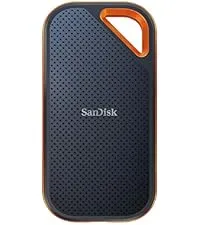
The Extreme PRO Portable SSD is the mid-tier bridge between the standard 10Gbps drives and the USB4 flagship. It uses a faster 20Gbps (USB 3.2 Gen 2x2) interface, and The SSD Review notes it ships in 250GB, 500GB, 1TB and 2TB capacities inside an aluminum enclosure that doubles as a heat spreader. Hexus measured the body at roughly 110mm long, 57mm wide and 10.2mm thick at about 78g, and confirmed an IP55 rating that resists dust ingress and water.
On speed, StorageReview recorded around 1.56 GB/s read and 1.75 GB/s write in Blackmagic testing, reflecting the higher 20Gbps ceiling. It is backed by a five-year warranty. The catch is the interface: 20Gbps USB 3.2 Gen 2x2 is not universally supported, so the PRO makes the most sense when your machine specifically has that port. It is aimed at creators who want more headroom than a 10Gbps drive but do not have USB4 or Thunderbolt.
Pros
- 20Gbps interface rated up to roughly 2000 MB/s, per The SSD Review
- Aluminum enclosure that helps with heat, per The SSD Review
- IP55 rating plus basic ruggedization, per Hexus
- Five-year warranty
Cons
- Not for you if your computer lacks a USB 3.2 Gen 2x2 (20Gbps) port; speeds drop on 10Gbps ports
- Not the largest range here, topping out at 2TB per The SSD Review
- Reviewers such as Hexus note it is bulkier than some competing pocket SSDs
#4 Extreme PRO SSD USB4
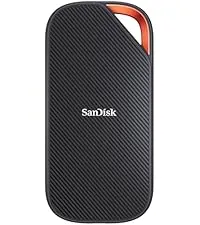
The Extreme PRO with USB4 is the flagship and the fastest drive in this comparison on paper. SanDisk rates it up to 3800 MB/s read and 3700 MB/s write, and StorageReview notes this places it in the same performance tier as some Thunderbolt 3 and 4 SSDs, offered in 2TB and 4TB capacities with a five-year warranty. Dong Knows Tech reports an IP65 rating, meaning it is designed to withstand splashes and rain and to survive drops from up to about 2 meters, and describes it as SanDisk's first major portable SSD since splitting from Western Digital.
There is an important condition, though. The full rated speed is only available on a USB4 or Thunderbolt bus; The SSD Review points out it works with the more common USB-A but that an adapter is not included. PCWorld praised the rugged, light design yet reported connection quirks and 40Gbps performance it found less impressive than expected, including a middling large-file write result. Treat it as the pick for people who already own USB4 or Thunderbolt hardware and want maximum headroom, rather than a universal upgrade.
Pros
- Rated up to 3800/3700 MB/s, in the tier of some Thunderbolt SSDs per StorageReview
- IP65 rating with roughly 2-meter drop protection, per Dong Knows Tech
- Available in large 2TB and 4TB capacities
- Rugged, light chassis and a five-year warranty
Cons
- Not for users without a USB4 or Thunderbolt port, since full speed requires that bus
- Not the plug-and-forget choice: PCWorld reported connection quirks and uneven 40Gbps results
- No USB-A adapter in the box, per The SSD Review
How to choose an Extreme portable SSD
The four drives look alike but target different buyers. The fastest way to narrow the field is to start with the port on your computer, then weigh capacity, ruggedness and security.
- Match the interface first. A 10Gbps drive like the V2 or V3 works well on nearly any modern USB-C port. The Extreme PRO needs a 20Gbps (USB 3.2 Gen 2x2) port to hit its rated speed, and the USB4 model needs a USB4 or Thunderbolt bus, as StorageReview and The SSD Review explain. Buying above your port wastes bandwidth.
- Right-size the capacity. The V3 ranges up to 8TB per Macworld, the V2 up to 4TB per Tom's Hardware, the Extreme PRO up to 2TB per The SSD Review, and the USB4 model in 2TB and 4TB per StorageReview. Pick based on your largest projects plus backup headroom.
- Check the ruggedness rating. The V2 and Extreme PRO carry IP55, while the USB4 flagship carries IP65 with roughly 2-meter drop protection per Dong Knows Tech. Higher IP figures mean better dust and water resistance for fieldwork.
- Consider security. Tom's Hardware highlights hardware-accelerated full-disk encryption on the V2, useful if you carry sensitive files.
- Weigh real-world results, not just the box. Independent reviews such as Macworld and PCWorld measured speeds below the headline ratings in some tests, so treat the rated MB/s as a ceiling.
When you have identified the tier that fits your ports and capacity needs, check the current price on Amazon to confirm the model and size, since pricing and available capacities change over time.
FAQ
What is the difference between the Extreme V2 and V3?
Both are 10Gbps-class NVMe drives rated up to about 1050 MB/s. The V3 is the newer generation that, according to Macworld, extends the capacity range up to 8TB and refreshes the rugged design, while the V2 is described by Tom's Hardware as a strong-value 10Gbps drive with hardware encryption and up to 4TB.
Do I need the USB4 model to get fast speeds?
Only if your computer has a USB4 or Thunderbolt port. StorageReview and The SSD Review note the Extreme PRO with USB4 reaches its rated 3800/3700 MB/s on that bus; on ordinary USB ports it runs slower, and PCWorld reported some connection quirks outside USB4.
Are these drives waterproof?
They are water- and dust-resistant, not fully waterproof. The V2 and Extreme PRO carry IP55 per StorageReview and Hexus, and the USB4 model carries IP65 with drop protection to roughly 2 meters per Dong Knows Tech.
Which one is best for photo and video editing?
It depends on your ports. For 10Gbps machines the V3 or V2 handle most media libraries; for a 20Gbps port the Extreme PRO offers more headroom; and for USB4 or Thunderbolt users the USB4 model is rated fastest, per the reviews cited above.
How long is the warranty?
Manufacturer and reviewer sources including Tom's Hardware, StorageReview and The SSD Review report a five-year limited warranty across these Extreme models.